Free Audio to Text Converter for Social Media Creators
You have recorded hours of Facebook Lives, Reels, and video posts — and almost none of that spoken content exists anywhere as text. This guide covers the complete workflow for turning Facebook video audio into content you can publish and search-index: blog posts, captions, newsletters, and articles.
Rida Mehwish
Software Developer at Codingtron · Vehari, Pakistan
Builder of Facebook to Transcript. Writes about AI transcription, video accessibility, and practical workflows for content creators and researchers.
The Content Sitting Unused in Your Facebook Videos
A 30-minute Facebook Live contains somewhere between 4,500 and 6,000 words of spoken content. Most creators record that, get a few hundred views during the broadcast, and then let the replay sit there doing nothing. No blog post. No captions. No newsletter. No searchable text anywhere on the page.
The math on what you're leaving behind is worth looking at. A single one-hour interview or teaching session generates enough material for three or four substantial blog posts, a month of social media captions, and two newsletter sections. That's before writing a single original word — it's already in the recording, waiting.
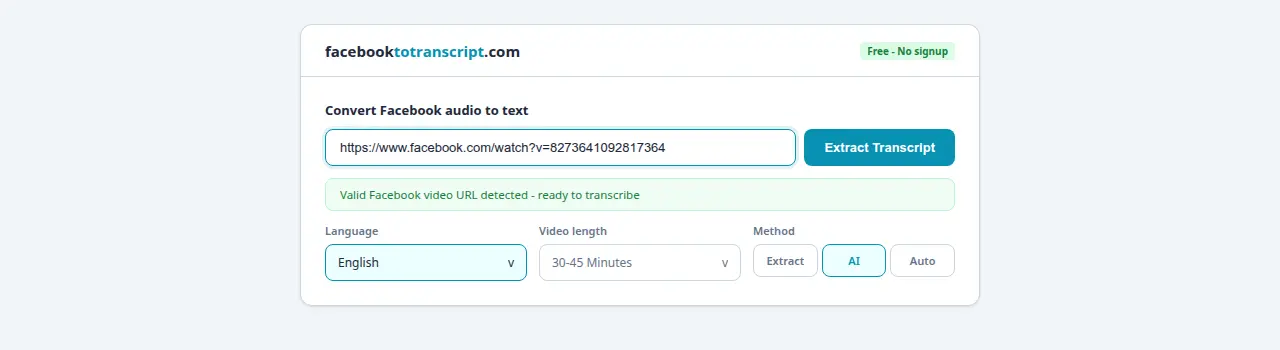
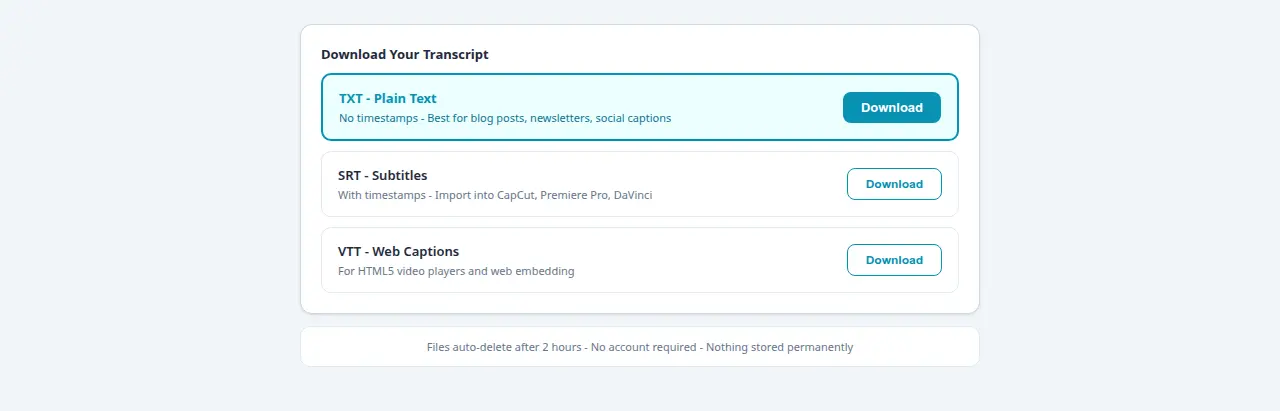
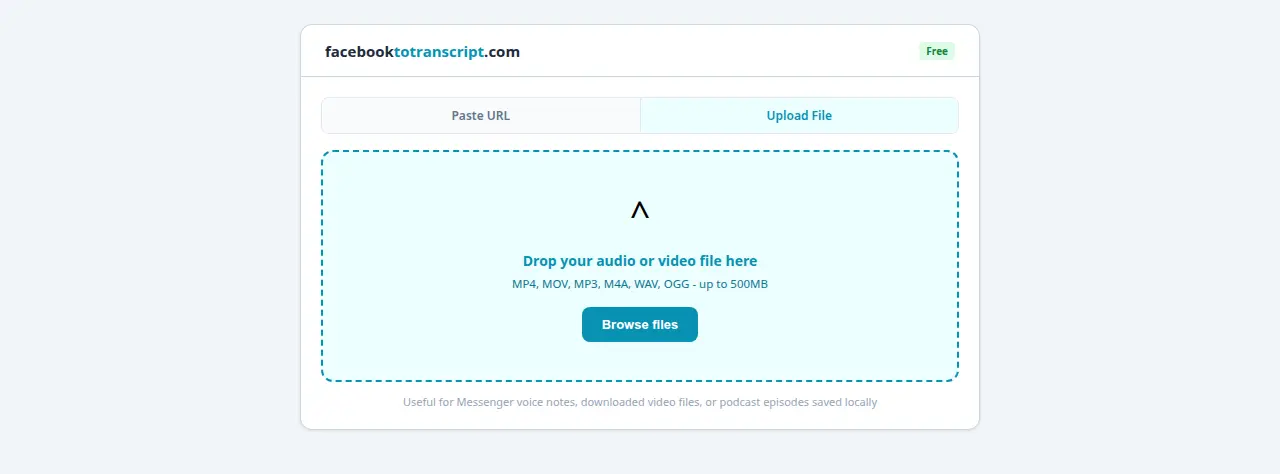
The basic workflow: paste your Facebook video URL into facebooktotranscript.com, pick your language, download the TXT file. What you do with that text afterward is where the real value comes from — and that's what this guide is actually about.
What Facebook Audio Content You Can Transcribe
Almost anything with spoken audio and a public Facebook URL works:
- Facebook Live replays: Once the broadcast ends and Facebook saves the recording, that replay URL is ready to transcribe — usually within a few minutes of going offline. See the Facebook Live to text guide for the Live-specific workflow including how to build a content calendar around weekly broadcasts.
- Standard video posts: Tutorials, product demos, event recordings, talking-head videos, interview clips — if it has spoken audio and a public URL, it transcribes cleanly.
- Facebook Reels: Short-form content transcribes fast — most Reels finish in under 20 seconds. The Reels transcription guide covers using the SRT output as burned-in captions via CapCut or Premiere Pro.
- Podcast episodes posted as Facebook videos: Many podcasters upload audio with a static image thumbnail. The tool only processes the audio stream — the visual track being a still image doesn't affect anything. Clean, complete transcript, same as any other content type.
Private videos and login-gated content can't be reached via URL. If you need to transcribe your own private Facebook video, the private video guide covers two practical workarounds.
Why Raw Transcripts Need Editing Before You Publish
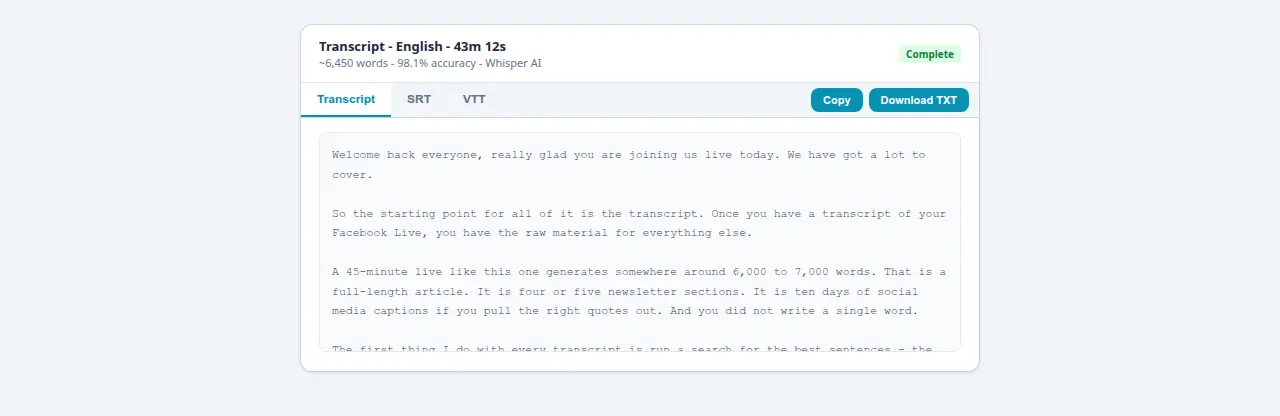
The most common mistake people make with transcripts: downloading the TXT and trying to paste it straight into a blog post. It never reads well. Spoken language is full of things that sound fine out loud but look messy on a page — filler words, mid-sentence restarts, the same phrase repeated twice as a speaker finds their footing.
Here's what a real transcript excerpt looks like before and after a light editing pass:
so basically um the way that this works
is you kind of you know paste the URL in
and then you just wait and it basically
just like processes and you get the text
right so yeah so that's that's how it works
Paste the Facebook video URL into the tool,
select your language, and click Transcribe.
The audio processes and your text file is
ready to download in about 30 seconds.
The edit isn't hard work. It takes roughly half the length of the original recording — a 30-minute Facebook Live becomes a clean 1,500-word article in about 15–20 minutes of editing. That's the trade: 15 minutes of cleanup versus 2–3 hours of writing from scratch.
The Editing Workflow That Produces Publishable Content
- Download as TXT, not SRT. SRT files include timestamps every few seconds that interrupt your reading rhythm when you're editing prose. Get plain text for content editing. Download SRT separately if you need caption files later.
- Read straight through once without editing. Just read. Note where the topic shifts. These transition points become your H2 subheadings. Don't start fixing individual words yet — find the structure first.
- Add subheadings at topic transitions. This turns a wall of text into a structured article before you change a single word. It's the highest-leverage edit you can make.
- Cut fillers and false starts. Delete “um,” “uh,” “you know,” “basically,” “like” (as filler), and any sentence that restarts and corrects itself. You'll typically cut 25–35% of the word count. What remains is tighter.
- Pull social quotes as you go. Highlight 3–5 strong standalone sentences — a clear opinion, a useful stat, a memorable phrasing. These become your posts for the week with no extra work.
- Write a real introduction and conclusion. Transcripts rarely open or close cleanly. Two or three original sentences at the top and a brief wrap-up at the bottom takes 10 minutes and makes the piece feel finished.
What One Recording Actually Generates: A Content Inventory
It helps to see the full picture before you decide whether this workflow is worth building. Here's what a typical 45-minute Facebook Live teaching session or interview generates when you work through it systematically:
| Content Asset | Time to Produce | Where It Goes |
|---|---|---|
| Edited blog post (1,500–2,000 words) | 25–35 min | Website, Medium, LinkedIn article |
| 4–6 social media captions | 10 min | Facebook, Instagram, LinkedIn |
| Newsletter section (300–400 words) | 10 min | Mailchimp, ConvertKit, Substack |
| SRT caption file for the replay video | 5 min | Facebook Creator Studio upload |
| 3–5 quote graphics (text pulled from transcript) | 15 min in Canva | Facebook, Instagram, Pinterest |
| Short-form script for a follow-up Reel | 10 min | Facebook Reels, Instagram Reels |
One 45-minute recording. About 75–85 minutes of editing spread across a few sessions. Six distinct content formats reaching different audiences on different platforms. The transcript is what makes that multiplication possible — you're not writing everything from scratch, you're reshaping what you already said into formats that fit different contexts.
Accessibility and SEO: The Reasons That Compound Over Time
Captions and transcripts get framed as accessibility features, and they are — but that undersells them for most creators. The World Health Organization estimates 1.5 billion people globally have some degree of hearing loss. Add the far larger group watching Facebook in offices, on public transport, or with sleeping people nearby, and you're looking at a majority watching without sound. Facebook's internal research confirmed it: 85% of Facebook videos are watched on mute. Captions and transcripts serve how most people actually watch, not a niche exception.
The SEO case is different but compounds just as well over time. Search engines index text. They don't index audio or video. A Facebook Live replay with no transcript is completely invisible to anyone searching the topics you covered — there's nothing for Google to read. Publish the transcript as a blog post with a proper title and subheadings, and that same content can drive search traffic for months or years after the original broadcast. Tutorials, how-to content, and educational material especially — these are topics people search constantly, and organic traffic from a well-structured article doesn't fade the way social reach does.
For adding captions directly to video files — which is a different workflow from publishing a blog post — the SRT subtitle generator guide covers downloading SRT files and importing them into Premiere Pro, DaVinci Resolve, or CapCut.
Audio Quality: Why the Source Recording Sets the Ceiling
After a transcript comes back with more corrections than expected, the first instinct is to wonder whether the tool can do better. Almost always the answer is no — not by changing settings. The accuracy ceiling is set by the recording quality. The AI can only work with what's actually in the audio file.
These four things have the biggest impact:
- Microphone type and distance. Built-in laptop mics pick up keyboard noise, room echo, and ambient sound as aggressively as your voice. A dedicated USB microphone with a cardioid polar pattern — something like the Blue Yeti Nano (~$80) or the Audio-Technica ATR2100x (~$79) — focuses on what's in front and rejects side noise. Even a clip-on lavalier at $20 outperforms a laptop mic at arm's length.
- Room acoustics. Hard parallel surfaces create flutter echo. Recording in a carpeted room with soft furniture, curtains, and filled bookshelves gives cleaner audio without spending anything. Bare-walled rooms and bathrooms are the worst recording environments for transcription accuracy.
- Speaking pace. Very fast speech and sudden volume spikes both increase error rates. A steady, conversational pace — the kind you'd use explaining something to a colleague — gives the model the cleanest signal.
- Music separation. ASR models are trained on speech, not speech-plus-music mixtures. If you play background music and speak over it simultaneously during a live broadcast, those segments will transcribe poorly. Music-only sections produce garbled text that needs deletion — expected behavior, not a malfunction.
For more on how the underlying model handles accents, language support, and compression artifacts in real Facebook videos, the AI-powered transcription guide goes into detail on the technical side.
Frequently Asked Questions
What audio formats does the converter support?
You do not have to extract the audio yourself — just paste the Facebook video URL. The tool handles whatever codec Facebook used to encode it, including AAC (standard for most uploads), MP3, and Opus (used for some Live recordings). Paste the link, click Transcribe, and the audio track gets pulled and processed automatically.
Can I transcribe podcast audio hosted on Facebook?
Absolutely. Many podcasters upload episodes as Facebook videos with a static image thumbnail. Works fine — the tool only touches the audio stream. It does not matter that the visual track is just a still image. You will get the full spoken transcript with timestamps if you want them.
How accurate is the audio to text conversion?
For a clean single-speaker recording in a quiet space, expect strong accuracy — typically 1–4 corrections per 10 minutes of audio. Multi-speaker recordings, heavy background noise, or a less common language will bring it down in the worst cases. Always do a quick skim before you publish anything, especially for proper names and brand-specific terms.
Is there a limit on audio length for transcription?
No hard cap. Short Reels, hour-long Facebook Lives, even multi-hour broadcasts — all handled. A 10-minute video finishes in about 20–30 seconds. A 60-minute recording takes roughly 2–4 minutes. Accuracy holds throughout the recording.
Can I transcribe audio in multiple languages?
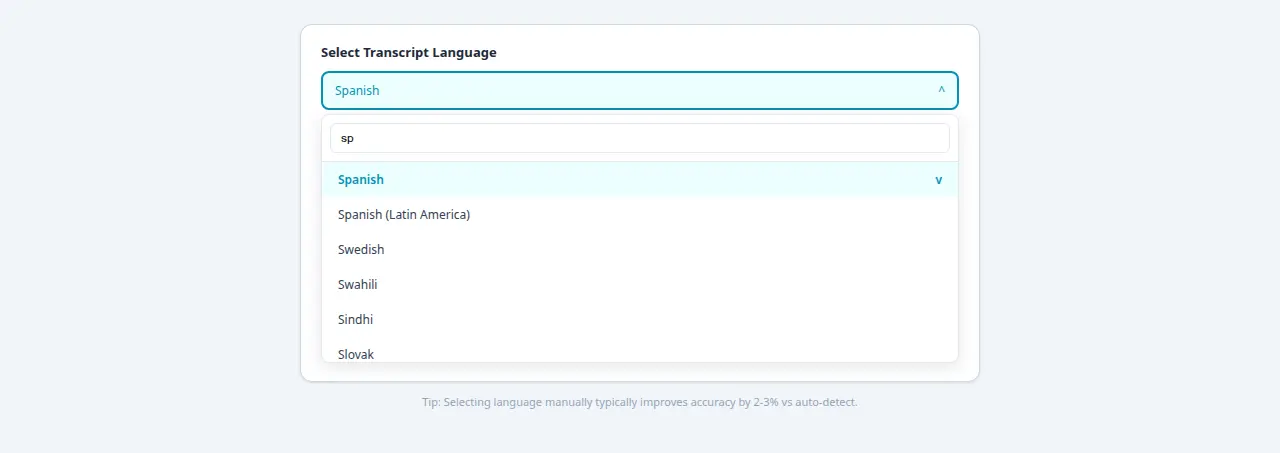
Yes, 50-plus languages. If you know which language the video is in, select it manually before processing — auto-detect usually works but can get confused by content that opens with music or ambient noise. For mixed-language content, pick the primary spoken language and expect the secondary-language sections to be messier.
Ready to Convert Your Facebook Videos to Text?
Use our free AI-powered tool to transcribe any Facebook video in seconds.
Try the Free Transcription Tool