Can You Transcribe Private Facebook Videos? Methods and Limits
The answer depends on who owns the video. Your own private content: yes, two practical methods. Someone else's private content: options are very narrow, and trying to bypass privacy controls creates legal exposure. This guide covers what works and what the limits are.
Rida Mehwish
Software Developer at Codingtron · Vehari, Pakistan
Builder of Facebook to Transcript. Writes about AI transcription, video accessibility, and practical workflows for content creators and researchers.
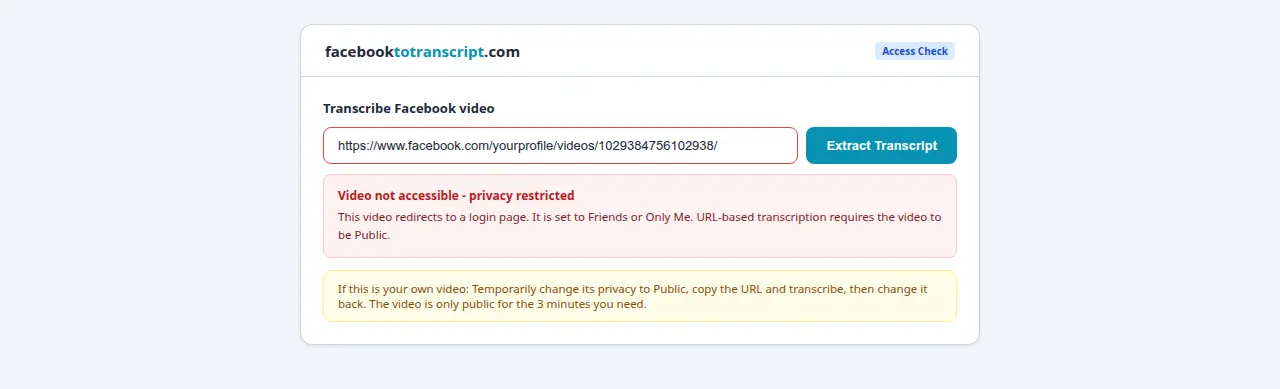
Why Private Facebook Videos Can't Be Transcribed Directly via URL
URL-based transcription tools work by fetching publicly accessible video content — no login credentials, no authenticated session. They're essentially doing what any browser does when you open a link in incognito mode.
Facebook's privacy system requires authenticated sessions to access restricted content. A Friends-only video is accessible only to logged-in users in your friends list. An Only Me video is accessible only when you're logged in as yourself. An external tool has no way to satisfy these requirements. The practical test: open the video link in an incognito browser. If you see a login prompt, the video is inaccessible to any URL-based tool.
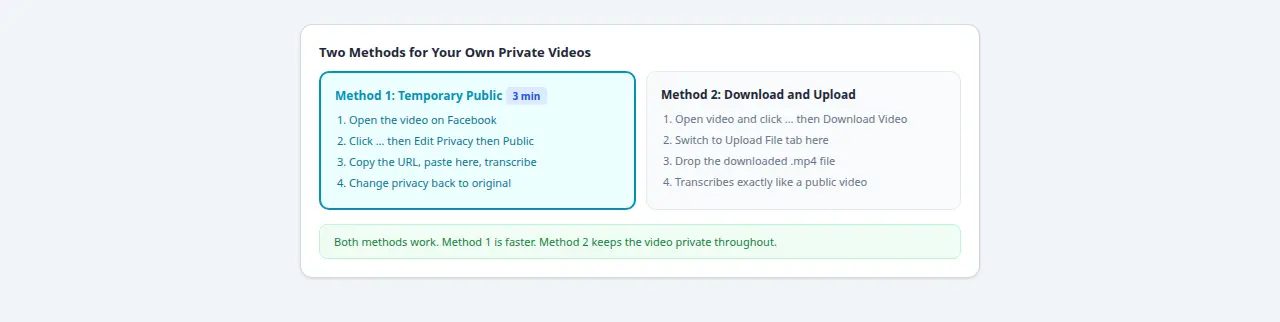
Method 1: Temporarily Make the Video Public (Fastest)
This is the cleanest method for your own private videos:
- Navigate to the video on your Facebook profile or page.
- Click the three-dot menu on the post and select Edit Privacy or Edit Video.
- Change the audience to Public and save.
- Copy the video URL from the browser address bar.
- Go to the Facebook to Transcript homepage and paste the URL.
- Transcribe and download your file.
- Return to the video and change the privacy setting back to Friends or Only Me.
Total time: about 3 minutes. The video is publicly visible for only the brief window it takes to run the transcription. If you're dealing with sensitive content and want to minimize that window, have both tabs open before you change the privacy setting.
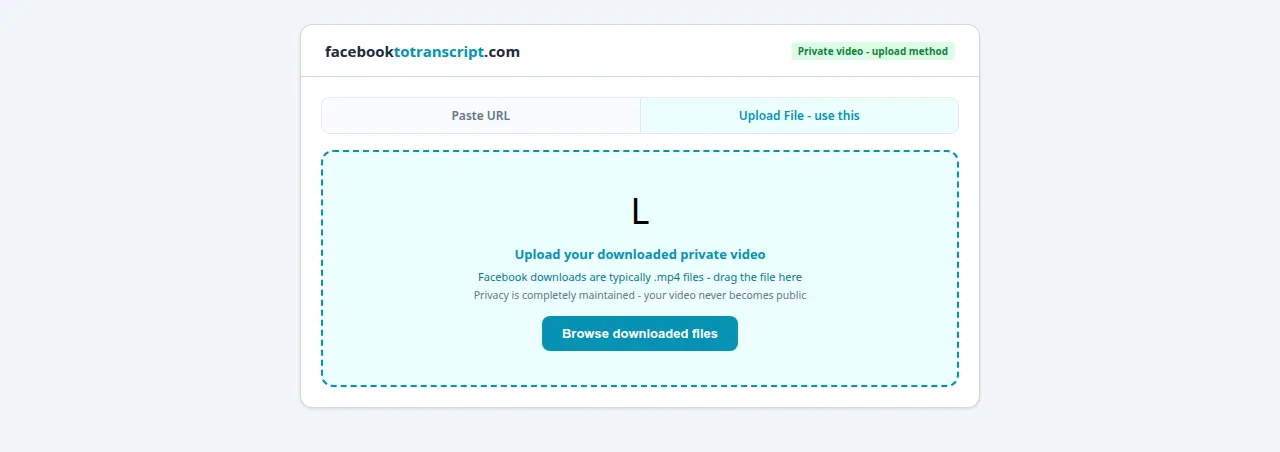
Method 2: Download the Video and Transcribe Locally
This method works without ever making the video public:
- Navigate to the video, click the three-dot menu, and select Download Video. Facebook emails a download link or provides a direct download button depending on your account type.
- Alternatively: Settings → Your Facebook Information → Download Your Information → select Videos, set a date range, and request the archive. Facebook emails you when it's ready.
Once you have the video file (.mp4) on your device, use a transcription tool that accepts local file uploads. OpenAI Whisper (free, open source, runs entirely locally — no data leaves your machine) is the most privacy-preserving option. Otter.ai and Descript also support file uploads on their free tiers.
What About Someone Else's Private Facebook Videos?
This one is unambiguous: you should not attempt to transcribe another person's private Facebook video without their explicit permission. There is no legitimate method for an external tool to access a private video belonging to someone else. Any approach would require bypassing Facebook's access controls — which is a different category of action entirely.
In the US, the Computer Fraud and Abuse Act makes unauthorized access to computer systems a federal offense, and this can include bypassing authentication controls on private content. GDPR in the EU provides strong protections for personal data including private video content. Facebook's own Terms of Service prohibit circumventing privacy controls.
If you need a transcript of someone else's private video for a legitimate reason, the correct path is simple: ask them. The video owner can use Method 1 or Method 2 above and provide you with the transcript directly. That's the only approach that doesn't create legal or ethical problems.
For Messenger video content specifically — which has its own privacy structure — see the Messenger video transcription guide.
Privacy Settings Reference
| Privacy Setting | Accessible via URL Tool? | What to Do |
|---|---|---|
| Public | Yes | Paste URL directly |
| Friends | No | Use Method 1 or Method 2 |
| Friends of Friends | No | Use Method 1 or Method 2 |
| Specific People | No | Use Method 1 or Method 2 |
| Only Me | No | Use Method 1 or Method 2 |
Frequently Asked Questions
Can transcription tools access private Facebook videos?
No. URL-based transcription tools can only process videos that are publicly accessible. Private videos redirect to a login page for anyone without authentication — the tool has no way to log in as you or access gated content.
Is it legal to transcribe someone else's private Facebook video?
Ethically and legally problematic without their explicit permission. Attempting to bypass Facebook's privacy controls could violate the Computer Fraud and Abuse Act in the US, GDPR in the EU, and Facebook's Terms of Service. If you need a transcript of someone's private video, ask them to provide it.
What privacy settings affect video transcription access?
Only Public videos are accessible via URL without authentication. Friends, Friends of Friends, Specific People, and Only Me all block external access. If you can open the video in an incognito browser window without being prompted to log in, it is transcribable. If you see a login screen, it is not.
Can I transcribe my own private Facebook videos?
Yes — two methods. First: temporarily change the privacy setting to Public, copy the URL, transcribe, then change it back. The whole process takes about 3 minutes and the video is publicly visible only briefly. Second: download the video file directly from Facebook and use a transcription tool that accepts local file uploads.
Does the transcription tool store private video data?
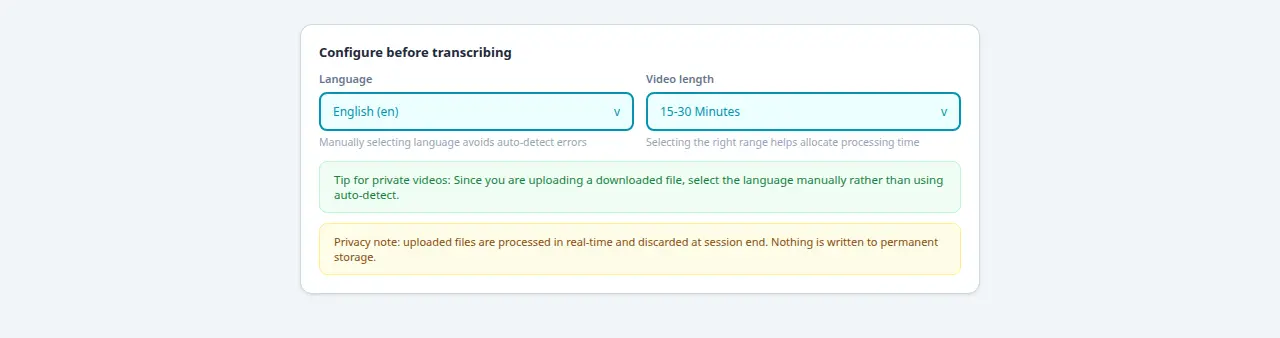
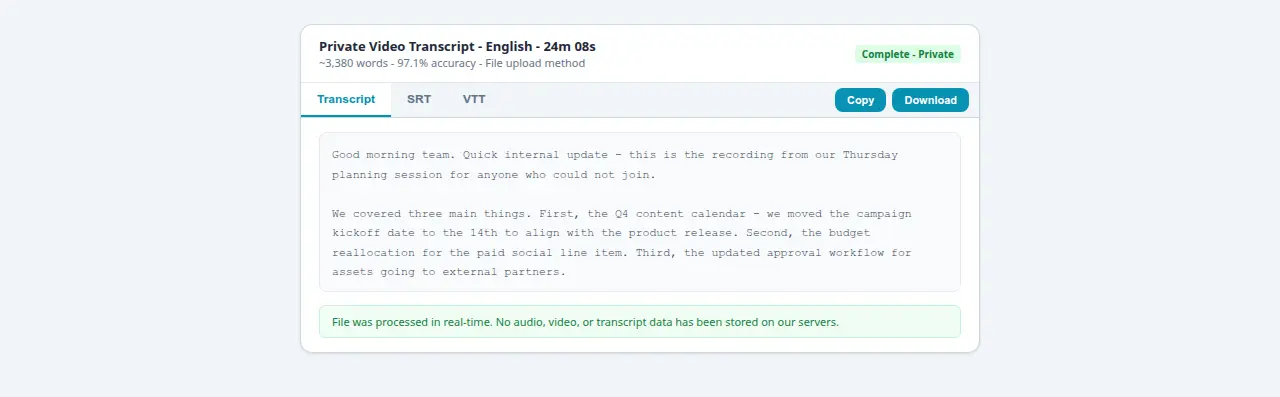
No. Processing happens in real-time and nothing is written to permanent storage. Audio, video, and transcript data are discarded when your session ends. This applies whether the video was temporarily public or processed via another method.
Ready to Convert Your Facebook Videos to Text?
Use our free AI-powered tool to transcribe any Facebook video in seconds.
Try the Free Transcription Tool