How to Transcribe Facebook Messenger Videos and Audio Clips
Messenger videos and voice messages do not have public URLs — the standard paste-and-transcribe workflow does not apply here. This guide covers the two methods that work: saving individual clips directly to your device, and using Facebook's Data Export for bulk access to Messenger media.
Rida Mehwish
Software Developer at Codingtron · Vehari, Pakistan
Builder of Facebook to Transcript. Writes about AI transcription, video accessibility, and practical workflows for content creators and researchers.
Why Messenger Content Requires a Different Approach
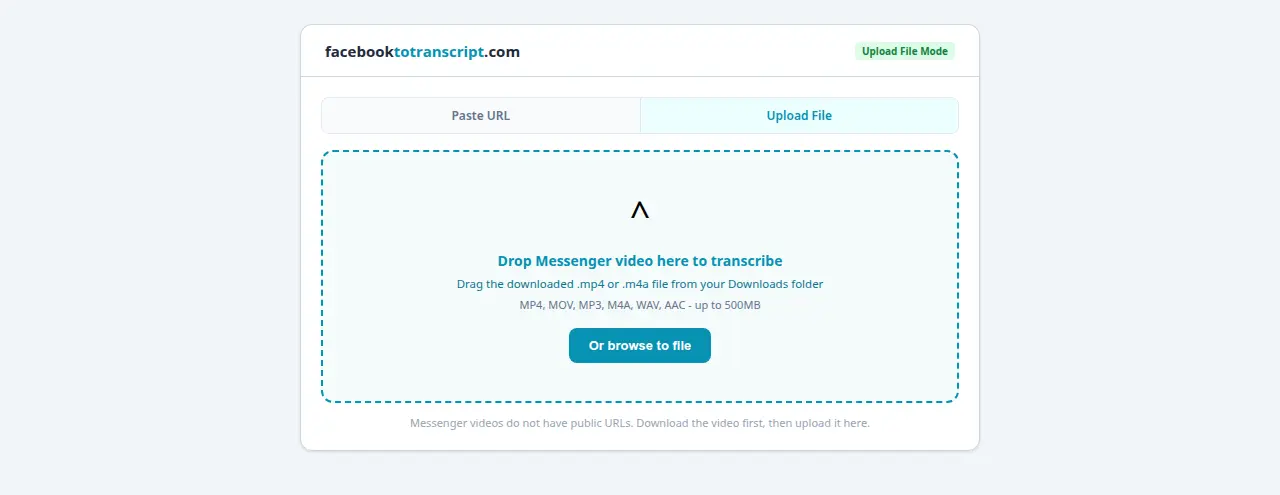
Facebook Messenger is a private messaging platform. Videos and voice messages sent through it are never assigned a public URL — they're only accessible to conversation participants within an authenticated session. This is fundamentally different from public Facebook videos, which have shareable URLs that any tool can fetch.
The practical consequence: transcribing Messenger content requires getting the media file off Messenger and onto your device first. Once you have the file, you can use any transcription tool that accepts file uploads.
For the broader picture of why private Facebook content can't be accessed by URL-based tools, see the private video transcription guide.
Method 1: Save Individual Clips from Messenger
The fastest approach for one voice message or video:
Saving a Voice Message
- Open the Messenger conversation containing the voice message.
- On mobile: long-press the voice message. On desktop: hover over it and click the three-dot menu.
- Select Save or Download. The file saves as an .m4a or .mp3 audio file.
Saving a Video Clip
- Open the conversation and tap or click the video to open it in the viewer.
- On mobile: tap the download icon in the corner. On desktop: click the download icon in the player controls.
- The video saves as an .mp4 file.
Transcribing the Saved File
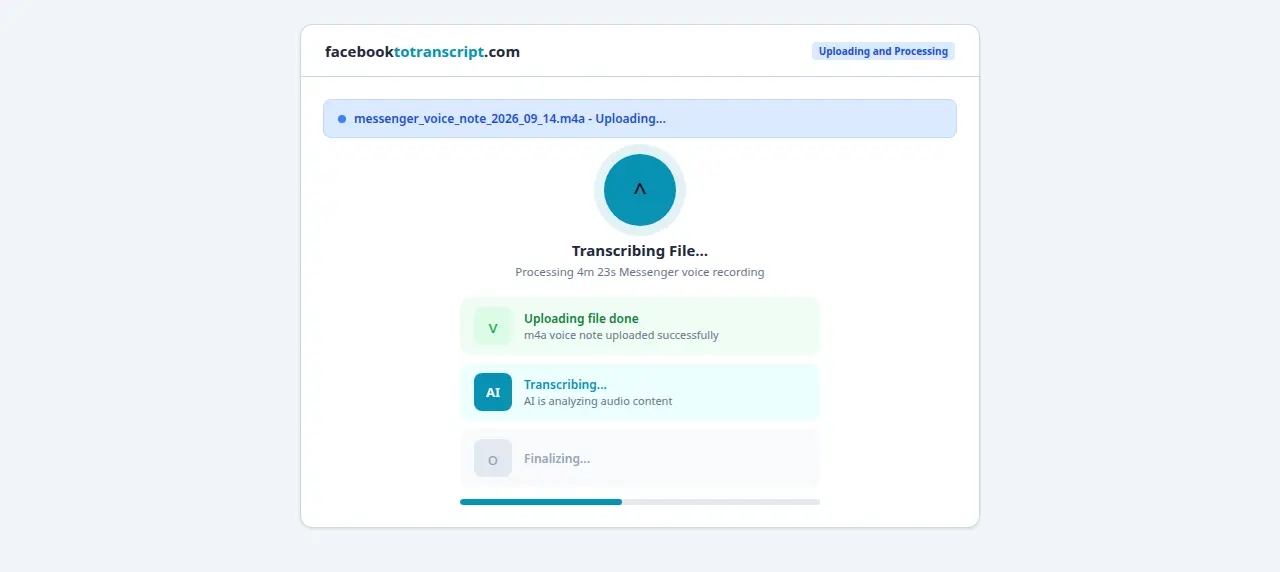
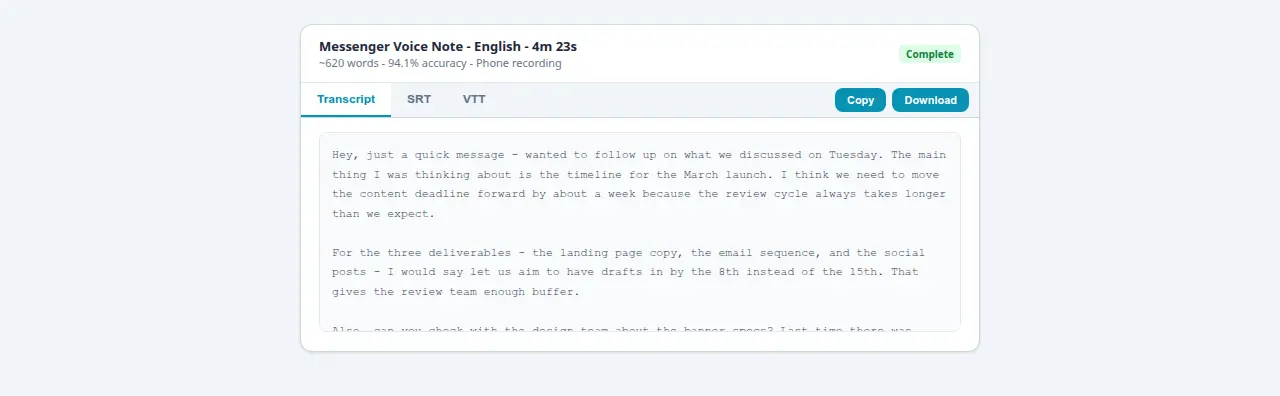
With the file on your device, use a transcription tool that accepts local uploads. OpenAI Whisper (free, open source, processes entirely on your device — no data leaves your machine) is the best option when privacy matters. Otter.ai and Descript both offer file upload on their free tiers. The audio-to-text converter guide covers file-based transcription workflows in more detail.
Method 2: Facebook Data Export (Bulk Access)
If you need to transcribe multiple Messenger clips or want a complete archive of all Messenger media, the Facebook Data Export is more systematic:
- Go to Facebook Settings → Your Facebook Information → Download Your Information.
- Check Messages. Set media quality to High for video files.
- Set a date range if you only need messages from a specific period, then request the download.
- Facebook emails you when the archive is ready. Download and extract the .zip file.
- Navigate to the messages folder. Each conversation has its own subfolder with audio/ and videos/ subfolders containing all media files.
With the files extracted, you can batch-transcribe using Whisper. For a folder of voice messages, a command like whisper ./audio/*.m4a --language en processes all files in sequence and outputs individual .txt files for each.
Why People Actually Transcribe Messenger Content
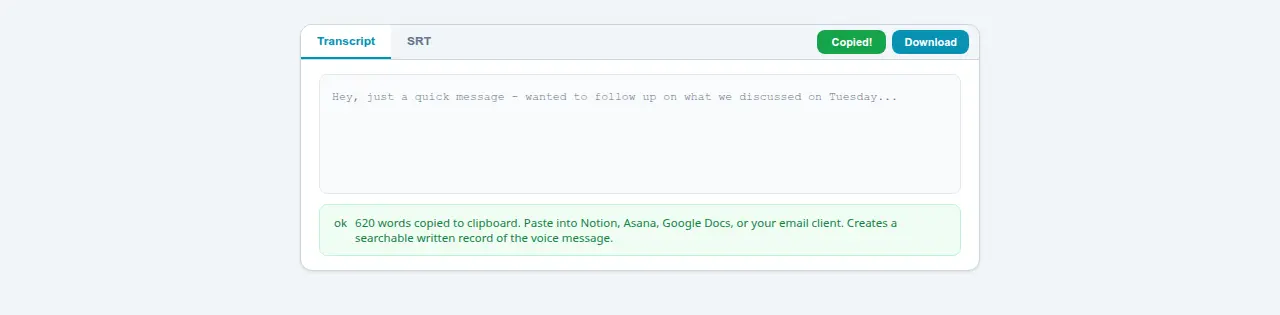
- Business voice messages: Many teams communicate via Messenger voice messages for fast project updates, client feedback, or quick decisions. A transcription creates a searchable written record. Searching a text file months later is far faster than finding and replaying a voice clip you can't even remember the context of.
- Personal memory keeping: Voice messages from family members — especially older relatives who are more comfortable talking than typing — often contain stories, advice, and memories worth preserving in text. A transcript is easier to save, share, and return to.
- Meeting follow-ups: When someone sends a detailed voice memo summarizing a discussion or listing action items, transcribing it gives you notes you can drop directly into Notion, Asana, or wherever your team tracks work. For public Facebook Live meetings, the process is simpler — see the Facebook Live to text guide.

Privacy and Consent: What to Keep in Mind
- Only transcribe conversations you're a party to. You have a legitimate interest in records of communications you participated in. Other people's private conversations are a different matter.
- Be thoughtful about sharing transcripts. A voice message sent privately carries an implied privacy expectation. The fact that you can transcribe it doesn't mean the sender expected their words to exist as distributable text.
- Local law varies. Some jurisdictions require all-party consent to record or transcribe conversations. If you're creating records of business communications or anything with legal weight, check the relevant regulations for your location.
- For business use: Review your organization's data handling policies before transcribing Messenger communications involving clients, employees, or confidential matters. GDPR in the EU and various state-level privacy laws in the US have specific requirements here.
For the broader legal framework around private Facebook content, see the private video guide.
Frequently Asked Questions
Can I transcribe Facebook Messenger voice messages?
Not directly via URL — Messenger content is private and does not have public URLs. The practical approach: long-press a voice message in Messenger to save it to your device as an audio file, then use a transcription tool that accepts local file uploads such as OpenAI Whisper or Otter.ai.
Are Messenger video transcriptions private and secure?
The tool does not store video, audio, or transcript content. Processing happens in real-time and nothing is retained after you leave the page. When you download Messenger content to your device, treat that file with the same care as the original conversation — especially if it contains sensitive personal or business discussions.
What if the Messenger video has poor audio quality?
Messenger recordings are made on phones in unpredictable conditions — outside, in a car, in a crowded room. The model handles most conditions reasonably well, but noisy recordings will have more errors. The ceiling is set by the recording quality. Cleaning up audio with Audacity's noise reduction filter before transcribing can help, or plan for a more thorough review pass.
Can I transcribe group video calls from Messenger?
Only if the call was recorded and saved. Messenger does not record calls automatically — you would need a screen recorder running during the call, or a third-party call recording app. Once you have the recording file, it transcribes like any other video.
Does this work with Messenger audio-only calls too?
Only if recorded. Messenger does not save calls automatically. If you have a recording as an audio or video file, the transcription process is identical to any other clip. The format — MP3, M4A, MP4 — does not matter, as audio is extracted from whatever container it is in.
Ready to Convert Your Facebook Videos to Text?
Use our free AI-powered tool to transcribe any Facebook video in seconds.
Try the Free Transcription Tool