How to Convert TikTok to Text - Free Online Tool (2026)
Complete guide to converting TikTok videos to plain text online for free. Covers all methods, use cases, accuracy tips, and download options.
Why Convert TikTok Videos to Text?
TikTok is one of the most information-dense platforms on the internet. Creators pack tutorials, tips, opinions, and stories into videos that take 60 seconds to watch but would take 30 seconds to read as text. Converting TikTok to text lets you consume, share, and repurpose that content far more efficiently.
For content creators, converting TikTok videos to text is the foundation of a content repurposing strategy. One 60-second TikTok can become a 500-word blog post, a Twitter thread, an Instagram caption, a newsletter paragraph, and a LinkedIn insight - all in minutes. For students and researchers, converting educational TikToks to text makes the content searchable, quotable, and easier to study. For marketers, converting competitor TikToks to text reveals their messaging, hooks, and talking points.
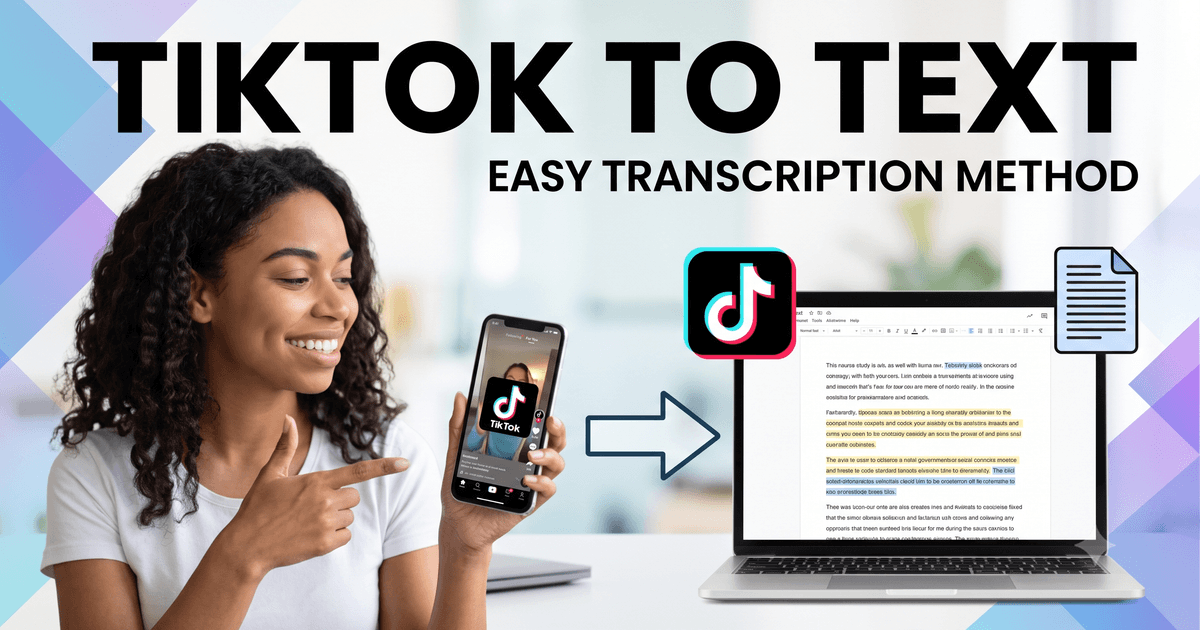
🔄 Convert TikTok to text in 3 steps:
- Copy the TikTok URL (Share → Copy Link in the app)
- Paste it at facebooktotranscript.com/tiktok-transcript
- Click "Get Transcript" - copy text or download as TXT/SRT/VTT
Free, no login, works in any browser.
How to Convert TikTok to Text - Step by Step
Step 1 - Get the TikTok URL
Open TikTok and find the video you want to convert. Tap the Share icon (→ arrow on the right), then tap "Copy Link." This copies a short URL (usually starting with vm.tiktok.com or vt.tiktok.com) that the tool can process. On desktop TikTok, you can copy the URL from your browser's address bar instead.
Step 2 - Go to the Conversion Tool
Navigate to facebooktotranscript.com/tiktok-transcript. The page works instantly in any browser - Chrome, Safari, Firefox, Edge - on any device. There is no account to create, no software to install, and no payment required.
Step 3 - Paste and Configure
Paste the TikTok URL into the input field. Select the spoken language from the Language dropdown for best accuracy (recommended - don't leave it on Auto-detect for non-English content). Choose the "Auto" method which tries native captions first before falling back to AI.
Step 4 - Convert and Download
Click Get Transcript. The conversion takes 1-3 seconds for videos with native captions, or 30-120 seconds for AI transcription. Once complete, you can read the text on screen, copy it to clipboard, or download it as TXT, SRT, or VTT.
Two Methods: Native Captions vs AI Transcription
Method 1: Native Caption Extraction (Faster)
TikTok automatically generates captions for most videos in major languages. When you convert a TikTok video to text using the "Auto" method, the tool first checks if native captions exist. If they do, it extracts them directly - returning your text in 1-3 seconds with very high accuracy.
This method is preferred because TikTok's caption system is trained specifically on TikTok content, making it highly accurate for the short-form, conversational speech typical of TikTok videos.
Method 2: AI Audio Transcription (More Versatile)
If no native captions are available, the tool downloads the video audio and runs it through OpenAI Whisper, a state-of-the-art speech recognition model. Whisper achieves 95-99% accuracy for clear audio in supported languages. This method takes 30-120 seconds depending on video length.
You can force AI mode by selecting "AI" in the Method selector. This is useful if the native captions are low quality or if you want Whisper to handle a video with specific audio characteristics.
What Can You Do With the Converted Text?
Turn TikTok into Blog Posts
Download the TXT file and use it as the draft of a blog post. Most TikTok videos have a clear structure: hook, content, call-to-action. The transcript gives you that structure as text, which you can expand with headings, examples, and context to create a full article. A 60-second TikTok typically yields a 300-500 word article draft.
Create Social Media Captions
The best Instagram captions, LinkedIn posts, and Twitter threads often come directly from TikTok scripts. Convert the TikTok to text, trim it to the most impactful line or two, and use it as a social caption with the video as supporting content.
Build a Newsletter
If you create regular TikToks, convert them to text each week and compile the most useful insights into a newsletter. Your audience gets the same information in a format they can skim, search, and reference later - without needing to watch every video.
Add Searchable Text to Your Website
Search engines cannot index spoken words in a video. By converting your TikTok to text and publishing that text on your website alongside the embedded video, you make the content discoverable. A page with both video and transcript ranks for significantly more keywords.
Generate Study Notes
Educational TikToks on science, history, language learning, and professional skills are often packed with useful information. Convert them to text and paste the content into your notes app - Notion, Obsidian, OneNote - where it becomes searchable and referenceable.
Research and Analysis
Convert multiple TikToks on a topic to text and analyze the language, messaging patterns, and information density. This is useful for competitive research, audience persona development, and trend analysis without re-watching dozens of videos.
Supported Languages for TikTok to Text Conversion
The tool supports 50+ languages through a combination of TikTok's native caption extraction and OpenAI Whisper's language models. Well-supported languages include:
- English, Spanish, French, German, Portuguese
- Arabic, Hindi, Urdu, Turkish, Indonesian
- Japanese, Korean, Chinese (Simplified and Traditional)
- Russian, Italian, Dutch, Polish, Swedish
- And 35+ additional languages supported by Whisper
For best results in any language, select it manually from the Language dropdown. Auto-detect works but may occasionally pick the wrong language track from TikTok's multilingual caption system.
Accuracy: What to Expect
Accuracy varies based on the conversion method and audio quality:
- Native TikTok captions - excellent: Very high accuracy, matches what you see on TikTok. Best case scenario.
- AI transcription, clear audio - great: 95-99% accuracy for one speaker, clear audio, minimal background noise.
- AI transcription, noisy audio - good: 80-94% accuracy for videos with background music, multiple speakers, or poor recording quality.
- Heavy accents or fast speech - variable: Accuracy depends on how well the AI model has been trained on that accent/dialect.
For professionally important use cases, always review the converted text for errors in proper nouns, numbers, technical terms, and brand names. AI transcription is highly accurate but not infallible.
Comparison: TikTok to Text vs Manual Transcription
- Speed: AI conversion (seconds) vs manual (4-6× video length). No comparison.
- Accuracy: Manual (99%+) vs AI (95-99%). Close enough for most uses.
- Cost: Both are free. AI conversion just requires the right tool.
- Scalability: AI conversion can handle dozens of videos; manual cannot.
- Timestamps: Both can produce timestamps; AI does it automatically.
For the vast majority of use cases, AI conversion through facebooktotranscript.com/tiktok-transcript is the clear winner. Manual transcription is only worth considering if you need to handle a video with extremely poor audio quality that AI cannot parse.
Frequently Asked Questions
What is the fastest way to convert TikTok to text?
The fastest method is pasting the TikTok URL into facebooktotranscript.com/tiktok-transcript and clicking Get Transcript. If native TikTok captions are available, results appear in 1-3 seconds. No app, no signup, no installation required.
Can I convert any TikTok video to text for free?
Yes. Any publicly accessible TikTok video can be converted to text for free. Private videos, age-restricted content, and deleted videos cannot be processed. The tool is completely free with no hidden fees.
What formats can I download the converted text in?
You can download as TXT (plain text with no timestamps), SRT (subtitle file with timestamps), or VTT (web caption format). TXT is best for blogs and documents. SRT is best for adding captions back to video.
Is TikTok to text conversion accurate?
For videos with native TikTok captions, accuracy is very high. For videos without native captions, AI (OpenAI Whisper) transcribes the audio at 95-99% accuracy for clear speech in good audio conditions.
Can I use the converted text commercially?
You may use transcripts of your own TikTok videos commercially without restriction. For converting third-party TikTok videos, respect copyright - use quotes and attribution, and check the creator's terms before republishing their spoken content as written text.
Does TikTok to text work on mobile?
Yes. The tool works in any mobile browser on iPhone and Android. No app download is required. Copy the TikTok URL from the app, open the browser tool, paste and submit.
Ready to Convert Your Facebook Videos to Text?
Use our free AI-powered tool to transcribe any Facebook video in seconds.
Try the Free Transcription Tool